_edited.png)
How to Make a Visual Schedule That Lasts

Updated: Aug 6
Visual schedules and First/Then boards are powerful tools for creating structure and predictability in a child’s day. They help reduce anxiety, improve transitions, and support independence—especially for children who thrive on routine, such as those with autism or other developmental differences. Because these tools are used frequently (often for every transition), they can experience a lot of wear and tear. Starting with a well-made, durable schedule will save you time and frustration later and prevent the need to remake materials too soon.
Follow these steps to create a sturdy, long-lasting visual schedule:
Featured products:
Materials Checklist
Before you begin, gather the following:
Printer and paper
Glue stick
Laminating sheets and laminator
Scissors
Soft Velcro
Hard Velcro
Step 1: Print Your Materials
For visual schedules, print your desired schedule and the activity icons on full pages (one page for the schedule and one page for the icons). For First/Then boards, use the “pages per sheet” printing option to adjust the size. I personally prefer “2 pages per sheet,” but you can print larger or smaller depending on your needs. Once printed, cut out all of your activity icons.


Step 2: Laminate Correctly
This step may feel tedious, but it’s worth it! Use a glue stick to attach each icon to the lamination sheet before running it through the laminator. This prevents icons from sliding around during lamination and allows you to fit multiple icons on one sheet. Why is this important? If icons overlap during lamination, you’ll have to start over, which wastes time and materials. Tip: Apply glue only to the back of each icon—not across the entire lamination sheet—because excess glue makes cutting difficult after laminating. After gluing, laminate both the full-page schedule and the sheet of icons.


Step 3: Add Velcro for Easy Use
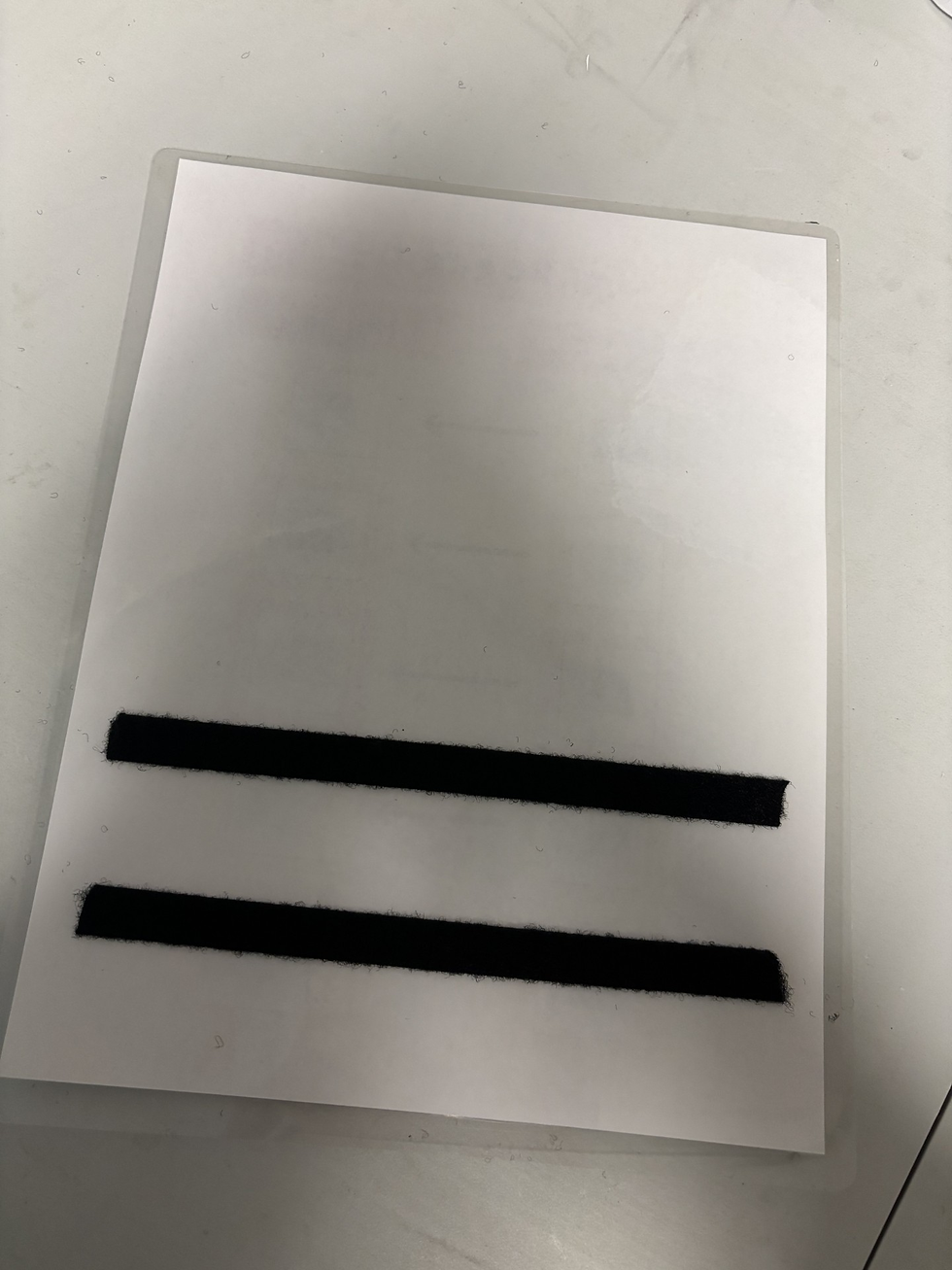
Attach a small piece of soft Velcro to the center of each square on the schedule. You can also add strips of soft Velcro to the back of the schedule for storing unused icons. I recommend soft Velcro for the schedule so it doesn’t stick to clothing or fabric. Before cutting out the laminated icons, apply hard Velcro to the back of each one—then cut them out. Doing this before cutting makes the process much easier.


Pro Tip
Never cut out icons before laminating. If you do, the lamination seal will break, and the icons will peel apart almost immediately.
Now you have a crisp, durable schedule that will last! By creating a consistent and predictable routine, you’re setting your child up for success and reducing stress during transitions.


Comments